Text to CAD,
built from a sentence.
Describe the part in millimetres. ChatCAD writes the model, builds it in OpenCASCADE — a real solid, not a mesh — and hands you STEP and GLB. When the part is flat it drafts a 2D drawing instead: DXF and PDF, with no solid underneath. Change your mind in a sentence.
200 free credits, no card required
The workspace
One conversation, one part
 ChatCAD
Chats
 Ø90 × 36 mm
Parameters
From the community
Parts other people made in a conversation. Open one, or take it into your own.
How it works
Say it the way you would say it to a machinist.
Millimetres, hole spacing, which edge gets the fillet. There is no sketch to constrain, no dialog to fill in — the sentence is the input, and the part is the output.
The model is a program, not a blob.
The agent writes build123d with every dimension named, runs it, reads the traceback when it fails, and checks the result — solid count, volume, bounding box — before it shows you anything.
Files the shop can open.
Exact STEP for the machinist, GLB for the browser, STL for the slicer, a PNG for the doc — and, for a flat part, a DXF the shop can edit. No export dialog, no unit guessing: everything is millimetres.
Say it the way you would say it to a machinist.
Millimetres, hole spacing, which edge gets the fillet. There is no sketch to constrain, no dialog to fill in — the sentence is the input, and the part is the output.
Bore 25, OD 52 → race wall 13.5. Nine 7.5 mm balls fit at a 38 mm pitch diameter. Cage to match.
run_cadgendone1 credit41.2 sA 6205 bearing — one solid, 9 balls, 12.4% fill.
The model is a program, not a blob.
The agent writes build123d with every dimension named, runs it, reads the traceback when it fails, and checks the result — solid count, volume, bounding box — before it shows you anything.
1from cadgen import model2import build123d as bd34@model5def bearing(6 bore: float = 25,7 outer: float = 52,8 width: float = 15,9 balls: int = 9,10):11 ir = bd.Cylinder(bore / 2, width)12 or_ = bd.Cylinder(outer / 2, width)13 return bd.Part() + [14 or_ - ir,15 *ball_set(bore, outer, balls),16 ]
Files the shop can open.
Exact STEP for the machinist, GLB for the browser, STL for the slicer, a PNG for the doc — and, for a flat part, a DXF the shop can edit. No export dialog, no unit guessing: everything is millimetres.
A solid when the part needs one. A drawing when it does not.
Most tools make a 2D drawing by projecting a 3D model. That works, and ChatCAD can do it. But a drawing can also be the thing you started with: profiles, holes, slots, dimensions and layers, drawn on a sheet. Nothing is extruded, because nothing needs to be.
Solid modelling
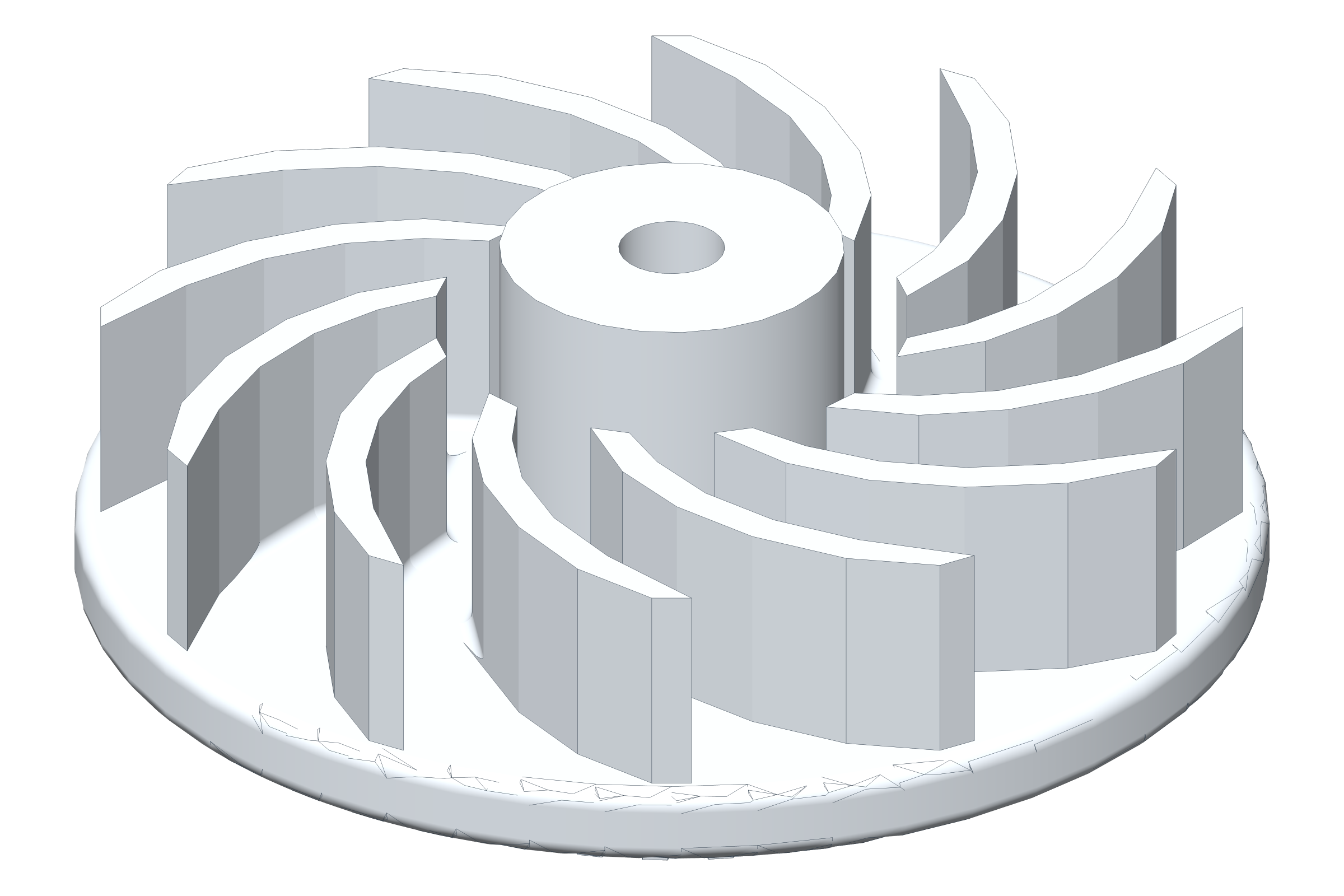
Brackets, plates, housings, impellers. A parametric B-rep solid with real faces, cylinders and fillets, and a mesh that matches it.
STEP · STL · 3MF · GLB
A dimensioned sheet can still be projected from it, as PDF and DXF.
Drafting, not projection
Flat parts, gaskets, templates, profiles. Lines, arcs, holes and dimensions on named layers, with the tolerances you declare.
DXF · PDF
The DXF opens in any 2D CAD with its layers and title block intact; the PDF is the sheet you print.
Pricing
You pay for the conversation, not the geometry. A drawing is metered like a part — same turn, same meter — and every turn shows what it cost.
Credits never expire.
Free
$0
200 credits to start
- STEP, DXF and GLB export
- Multi-turn edits
- Unlimited parts
- 200 credits, once
Go
$9/month
500 credits a month
- A drawing PDF, and a DXF you can edit
- Every part keeps its own versions
- Credits every month
- Cancel any time
Plus
Popular$19/month
1,200 credits a month
- Everything in Go
- More than twice the credits
- Reference images and parametric rebuilds
- Add credit packs when a project runs long
Pro
$39/month
3,000 credits a month
- Everything in Plus
- A thousand parts a month
- For a shop, not a hobby
- Add credit packs any time
Start with what you need to make.
200 credits included. No card, no install.